# Docker 部屬 Homer 服務面板
[](https://note.homesitetw.com/uploads/images/gallery/2025-11/rDHimage.png)
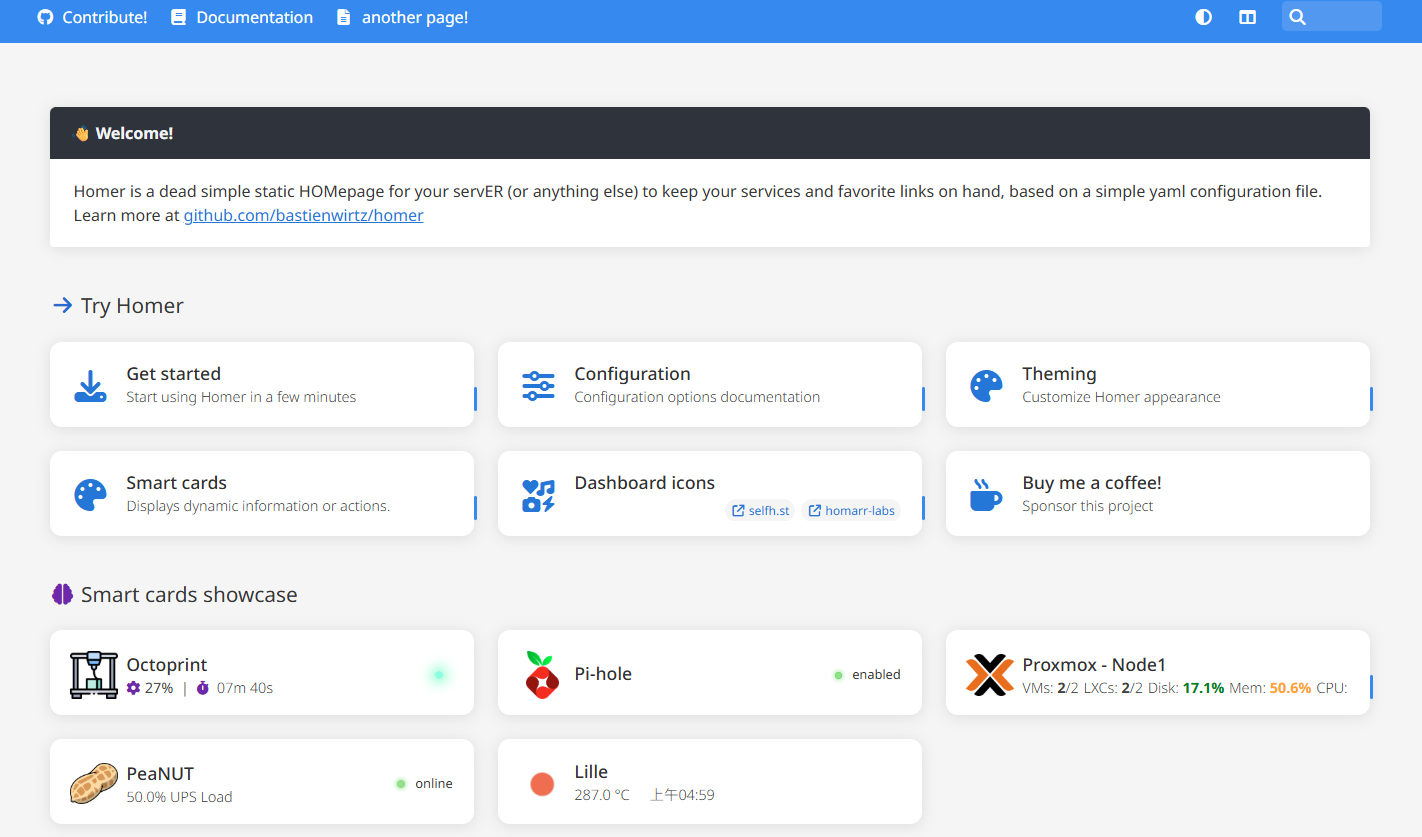
**Homer是一個靜態頁面,使用`yaml`設定檔來管理你的服務入口**
---
##### **部屬 Homer**
**本例使用Portainer部屬,可以先裝[Portainer](https://note.homesitetw.com/books/docker/page/docker-portainer-gui)**
**Docker內新增掛載目錄**
```
mkdir /var/lib/docker/volumes/homer/assets
```
**容器預設使用使用者 uid 和 gid 1000 運行,設定目錄權限相符**
```
chown -R 1000:1000 /var/lib/docker/volumes/homer/assets
```
**Portainer內新增堆棧並啟動**
```
services:
homer:
image: b4bz/homer:latest
container_name: homer
volumes:
- /var/lib/docker/volumes/homer/assets:/www/assets # Make sure your local config directory exists
ports:
- 9003:8080
environment:
- INIT_ASSETS=1 # default, requires the config directory to be writable for the container user (see user option)
restart: always
```
**將`assets`內的`config.yml.dist`複製為`config.yml`**
```
cd /var/lib/docker/volumes/homer/assets
cp config.yml.dist config.yml
```
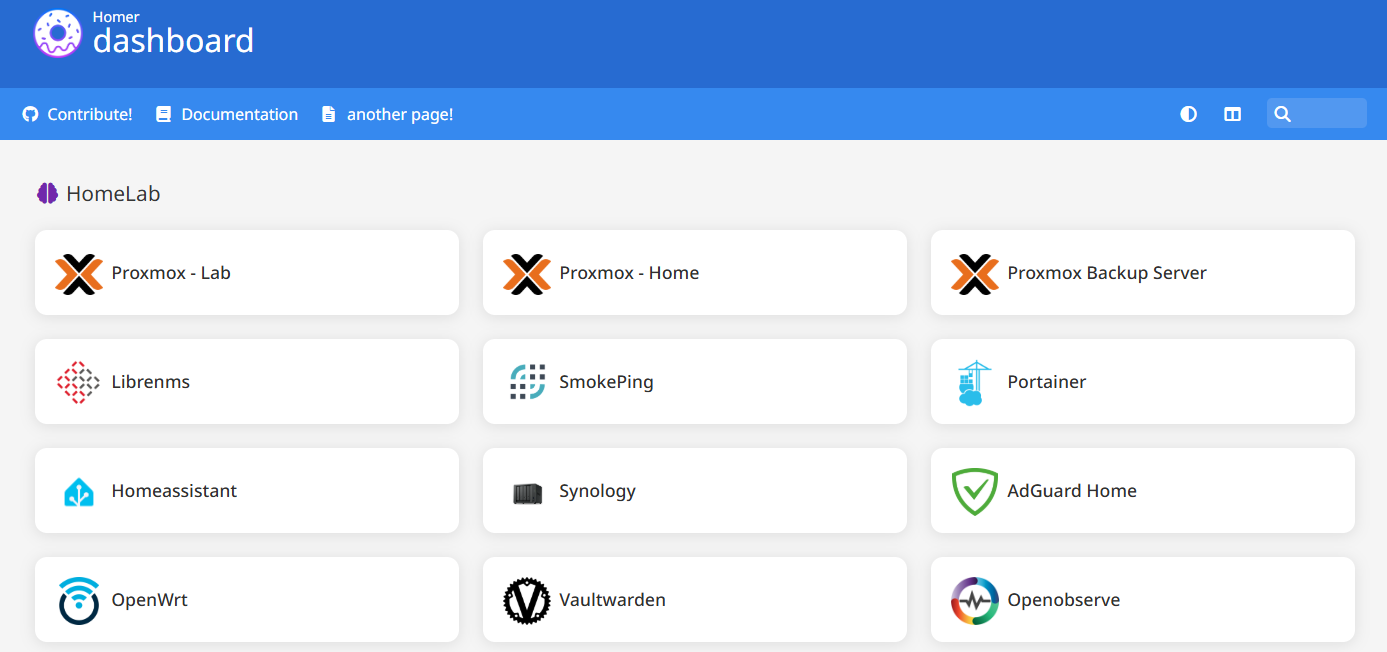
**編輯`config.yml`自訂你的面板,以下只使用最簡單的頁面設定,其餘整合功能可以參考官方[https://github.com/bastienwirtz/homer](https://github.com/bastienwirtz/homer)**
```
services:
- name: "HomeLab"
icon: "fa-solid fa-brain"
class: "highlight-purple"
items:
- name: "Proxmox - Lab"
logo: "assets/icons/custom/proxmox.png"
url: "https://192.168.18.248:8006/"
- name: "Proxmox - Home"
logo: "assets/icons/custom/proxmox.png"
url: "https://192.168.22.254:8006/"
- name: "Proxmox Backup Server"
logo: "assets/icons/custom/proxmox.png"
url: "https://192.168.74.244:8007/"
- name: "Librenms"
logo: "assets/icons/custom/librenms.png"
url: "http://172.20.10.1:8000"
- name: "SmokePing"
logo: "assets/icons/custom/smokePing.png"
url: "http://192.168.45.246/smokeping/"
- name: "Portainer"
logo: "assets/icons/custom/portainer.png"
url: "http://192.168.155.245/"
```
**輸入`IP:9003`就可以顯示你的Homer面板**
[](https://note.homesitetw.com/uploads/images/gallery/2025-11/MlKimage.png)