
OpenWrt 安裝NUT (Network UPS Tools)監控UPS
安裝nut-upsmon
搜尋nut-upsmon和luci-app-nut安裝


重新登入網頁會顯示NUT設定側欄
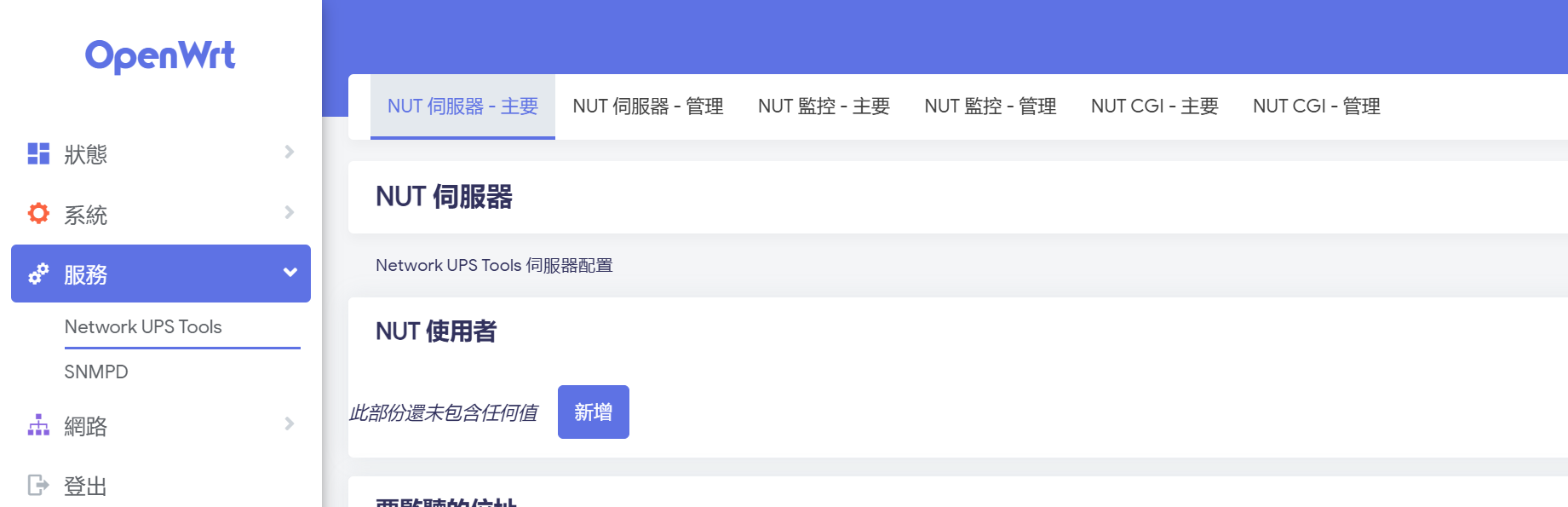
設定NUT監控
我的UPS server在Synology上,所以設定UPS 從裝置

CLI確認可以讀取UPS並啟用
root@OpenWrt:~#  upsc ups@192.168.0.250
battery.charge: 100
battery.charge.low: 10
battery.charge.warning: 50
battery.date: 2001/09/25
battery.mfr.date: 2023/08/10
battery.runtime: 2324
battery.runtime.low: 120
battery.type: PbAc
/etc/init.d/nut-monitor enable
/etc/init.d/nut-monitor start