
Docker 部屬 Homer 服務面板
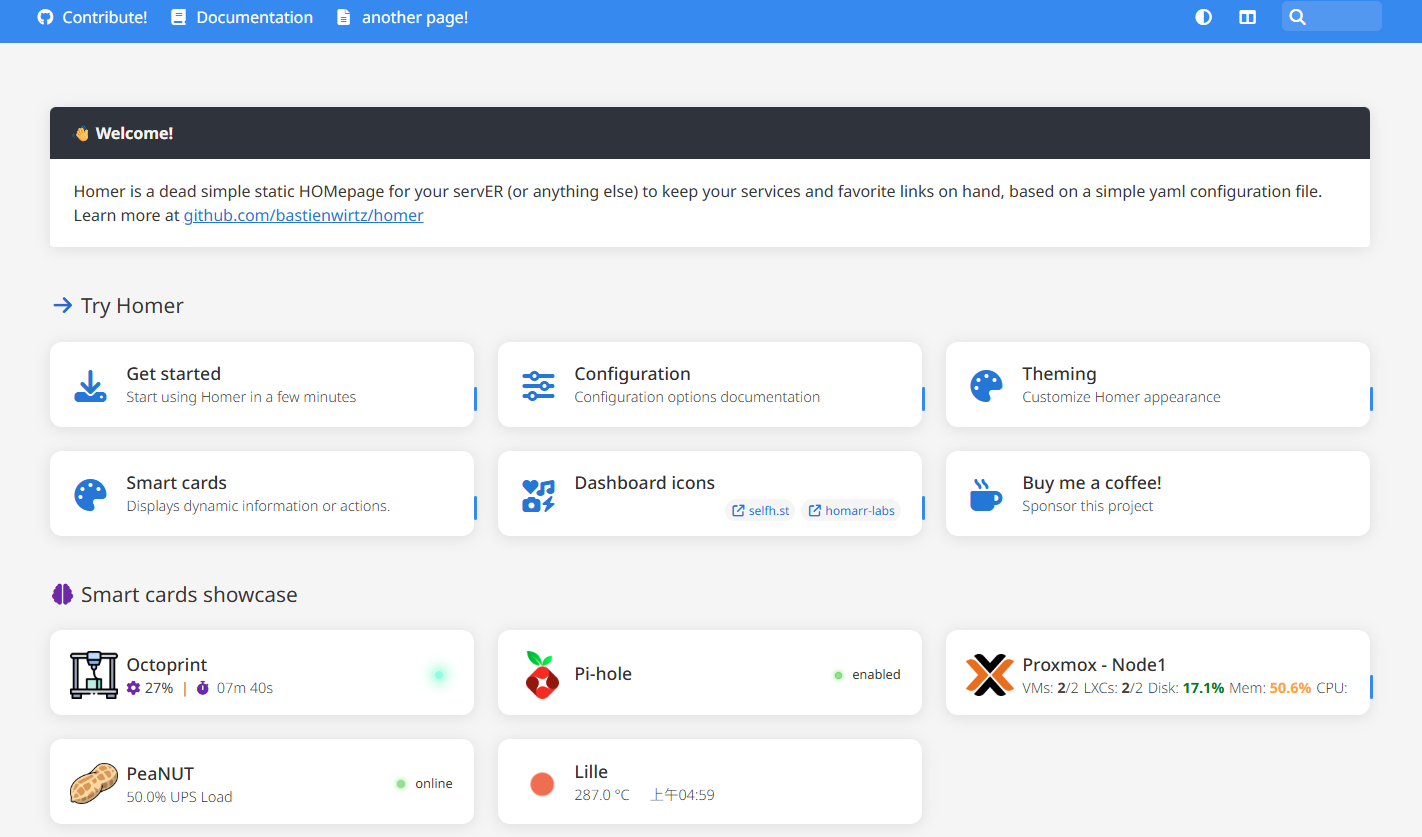
Homer是一個靜態頁面,使用yaml設定檔來管理你的服務入口
部屬 Homer
本例使用Portainer部屬,可以先裝Portainer
Docker內新增掛載目錄
mkdir /var/lib/docker/volumes/homer/assets容器預設使用使用者 uid 和 gid 1000 運行,設定目錄權限相符
chown -R 1000:1000 /var/lib/docker/volumes/homer/assetsPortainer內新增堆棧並啟動
services:
  homer:
    image: b4bz/homer:latest
    container_name: homer
    volumes:
      - /var/lib/docker/volumes/homer/assets:/www/assets # Make sure your local config directory exists
    ports:
      - 9003:8080
    environment:
      - INIT_ASSETS=1 # default, requires the config directory to be writable for the container user (see user option)
restart: always將assets內的config.yml.dist複製為config.yml
cd /var/lib/docker/volumes/homer/assets
cp config.yml.dist config.yml編輯config.yml自訂你的面板,以下只使用最簡單的頁面設定,其餘整合功能可以參考官方https://github.com/bastienwirtz/homer
services:
  - name: "HomeLab"
    icon: "fa-solid fa-brain"
    class: "highlight-purple"
    items:
      - name: "Proxmox - Lab"
        logo: "assets/icons/custom/proxmox.png"
        url: "https://192.168.18.248:8006/"
      - name: "Proxmox - Home"
        logo: "assets/icons/custom/proxmox.png"
        url: "https://192.168.22.254:8006/"
      - name: "Proxmox Backup Server"
        logo: "assets/icons/custom/proxmox.png"
        url: "https://192.168.74.244:8007/"
      - name: "Librenms"
        logo: "assets/icons/custom/librenms.png"
        url: "http://172.20.10.1:8000"
      - name: "SmokePing"
        logo: "assets/icons/custom/smokePing.png"
        url: "http://192.168.45.246/smokeping/"
      - name: "Portainer"
        logo: "assets/icons/custom/portainer.png"
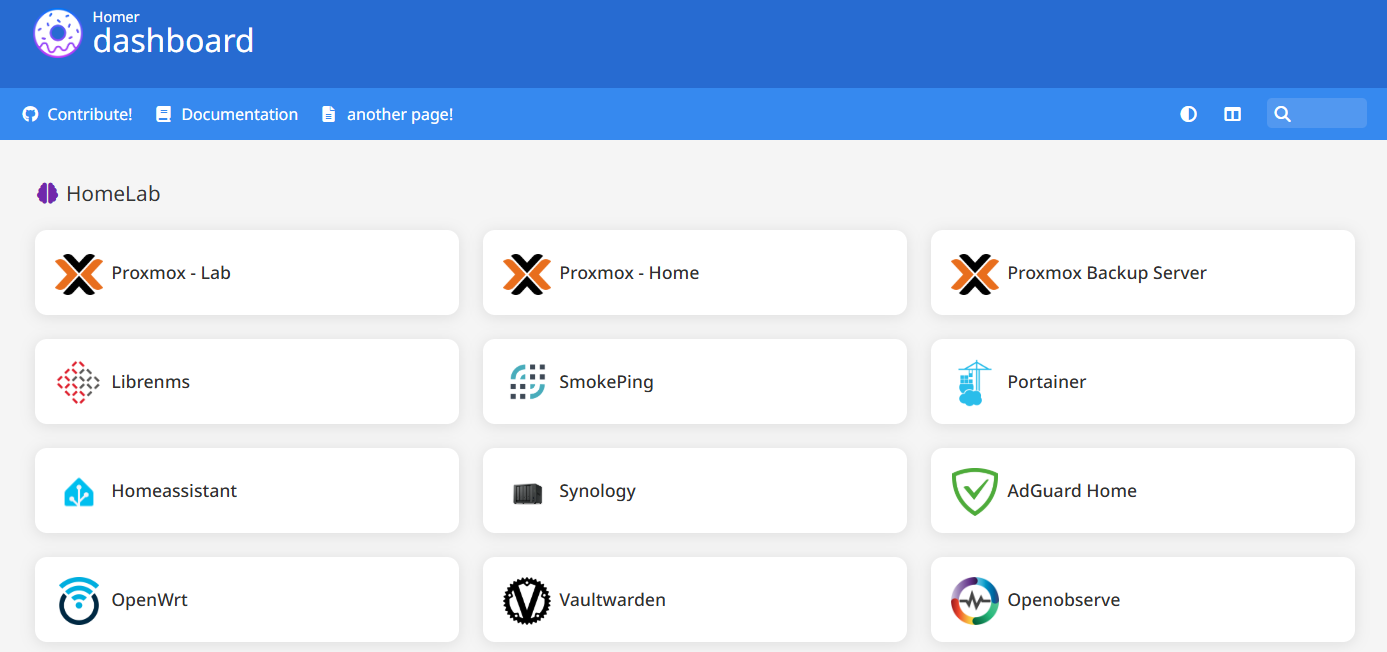
url: "http://192.168.155.245/"輸入IP:9003就可以顯示你的Homer面板
No comments to display
No comments to display