
PVE LXC安裝PNETLAB
PVE內安裝PNETLAB可建立VM正常安裝,但是虛擬機在PVE裡經過多層虛擬化效能不佳,故使用CT安裝來接近本機效能
運行環境
- PVE 7
- LXC ubuntu-18.04
PVE設定
確認PVE已安裝openvswitch-switch
systemctl status openvswitch-switch若未安裝執行
apt update
apt install openvswitch-switch
建立CT
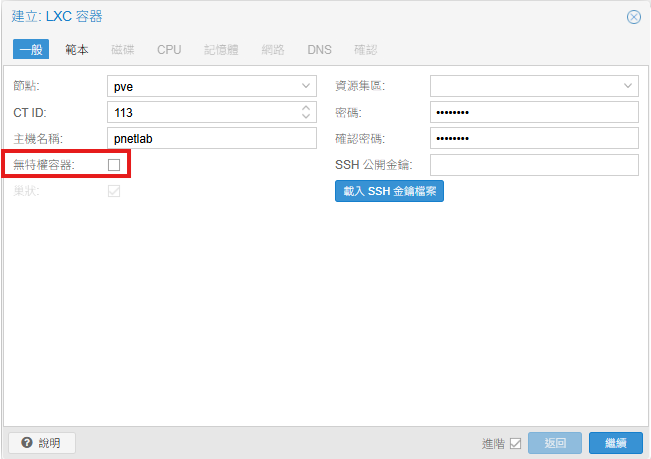
取消勾選無特權容器,範本選擇ubuntu-18.04,建立容器後選擇不開機
進入PVE SHELL修改LXC設定,編輯/etc/pve/lxc/<lxc-id>.conf,新增以下設定後啟動CT
features: nesting=1
lxc.cgroup2.devices.allow: c 10:200 rwm
lxc.mount.entry: /dev/net/tun dev/net/tun none bind,create=file
lxc.cgroup2.devices.allow: c 10:232 rwm
lxc.mount.entry: /dev/kvm dev/kvm none bind,create=file
安裝PNETLAB
PVE網頁上開啟CT視窗,修改允許root SSH登入
sed -i -e "s/.*PermitRootLogin .*/PermitRootLogin yes/" /etc/ssh/sshd_config

service sshd restart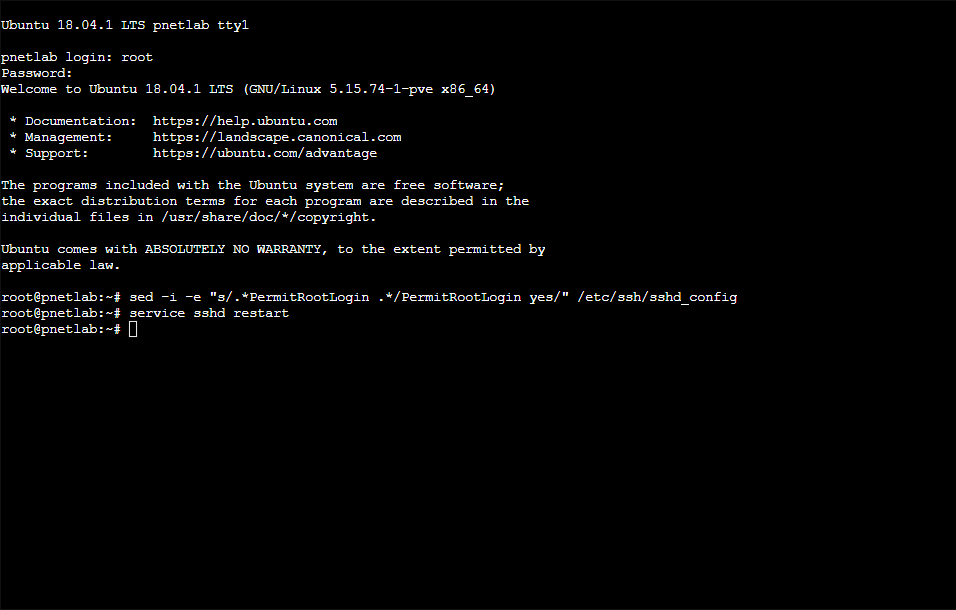
重新登入PNETLAB,編輯/etc/apt/sources.list新增repository
deb [trusted=yes] http://repo.pnetlab.com ./開始安裝
echo "nameserver 8.8.8.8" > /etc/resolv.conf
apt-get update
apt-get purge netplan.io
apt-get install pnetlab -y
安裝到這裡時會卡住,因為PNETLAB和CT網路設定會衝突
To activate the new configuration, you need to run:
  systemctl restart apache2
Considering dependency proxy for proxy_html:
Enabling module proxy.
Considering dependency xml2enc for proxy_html:
Enabling module xml2enc.
Enabling module proxy_html.
To activate the new configuration, you need to run:
  systemctl restart apache2
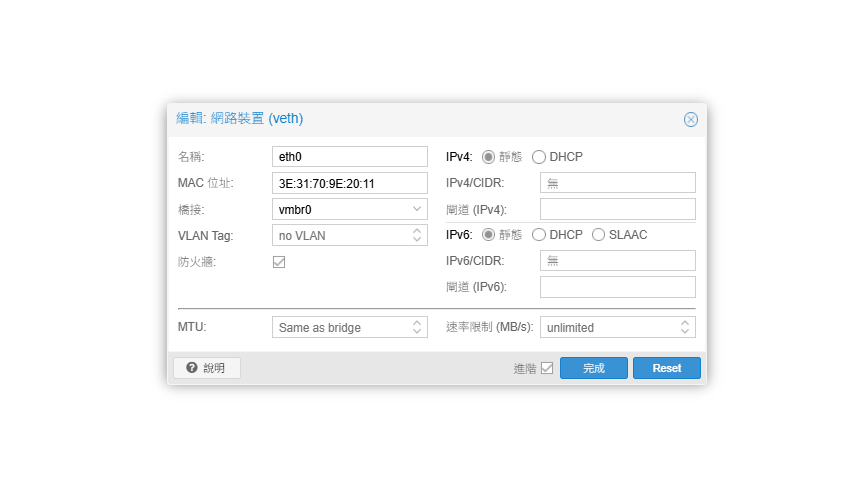
將CT的網路設定靜態並移除IP後重啟CT
重新登入PNETLAB後開始初始化安裝,完成後會再次重啟
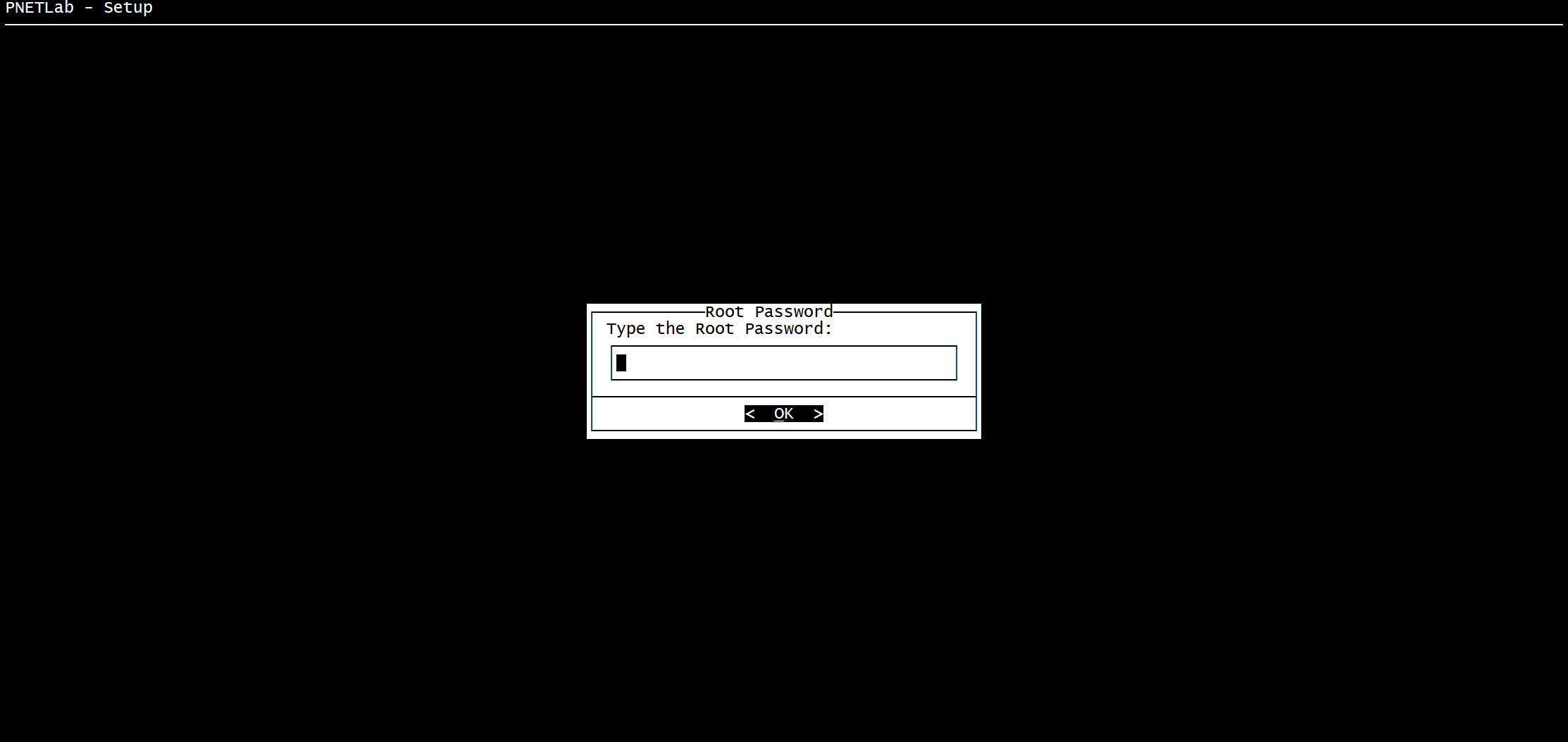
重啟後確認可進入PNETLAB網頁

若出現file_get_contents訊息
file_get_contents(http://127.0.0.1/html5/api/tokens): failed to open stream: HTTP request failed! HTTP/1.1 5XX Service Unavailable
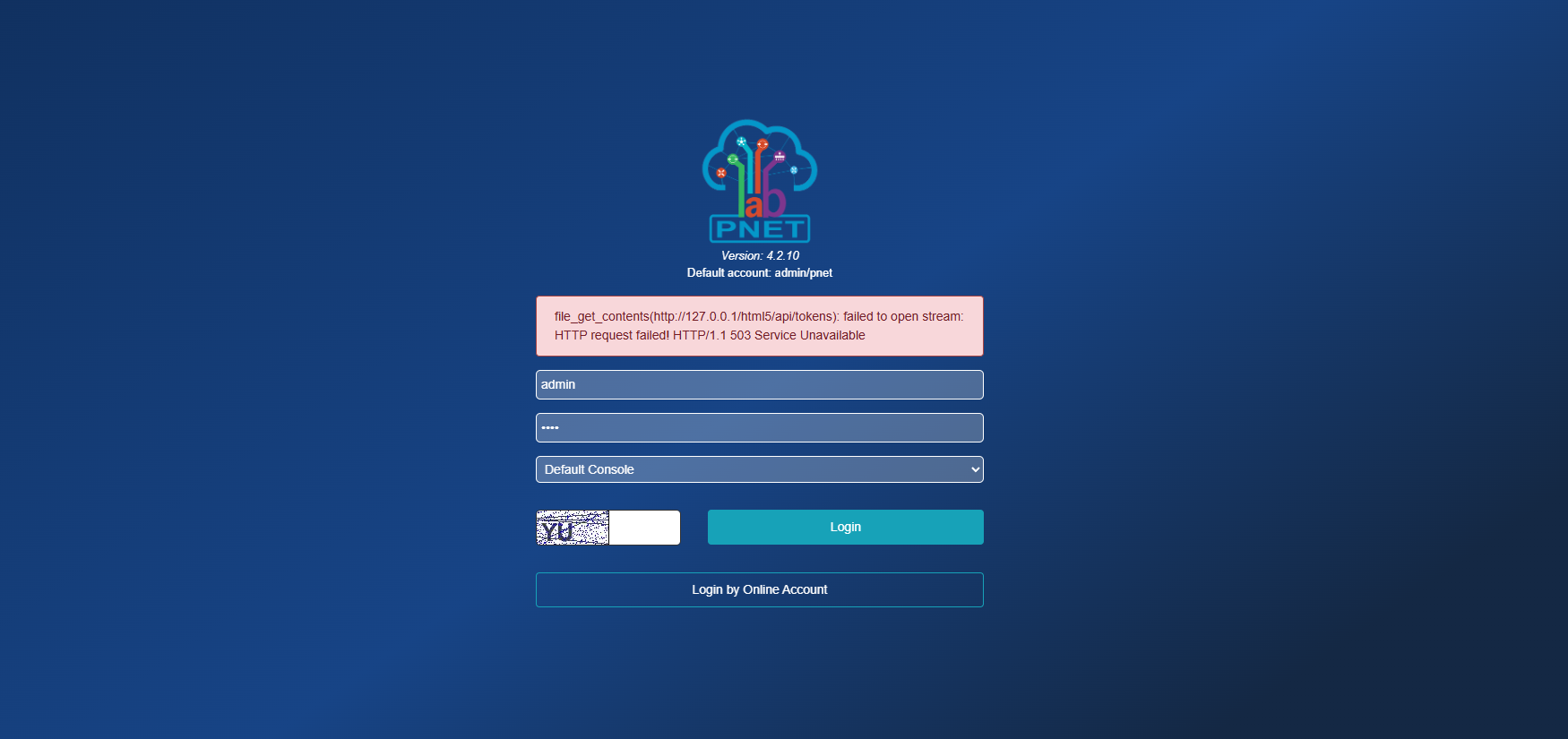
於PNETLAB內修正
sed -i '/skip_ssl/d' /etc/mysql/mysql.conf.d/mysqld.cnf
echo "skip_ssl" >> /etc/mysql/mysql.conf.d/mysqld.cnf
service mysql restart
qemu啟動需安裝net-tools
apt install net-tools測試虛擬機
測試建立的虛擬機可正常執行
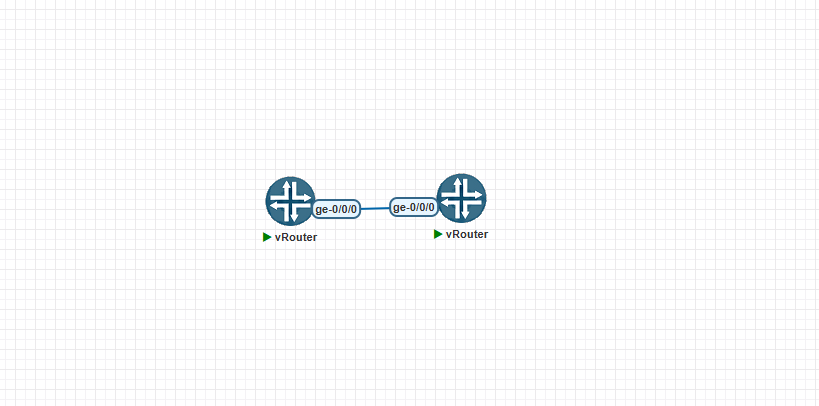
若啟動失敗,觀察詳細報錯紀錄
tail -f /opt/unetlab/data/Logs/unl_wrapper.txt
No comments to display
No comments to display